Crosscuts, rips, tapers and resawing
The Cut family C saws a board the ways a shop does: across the grain to length, along it to width, at an angle, tapered, or through its thickness. Each cut is one step, drawn before you make it and editable after.
Updated
How every cut works
- Pick the tool: C opens the Cut family in the mode it was last in, and each press of C steps to the next mode. Or press the mode’s own key.
- Move over the board. The face under the pointer lights up and the cut is drawn where a click would put it, with the waste in grey.
- Click to start. Set the numbers on the option bar at the bottom, in the inspector, or by dragging the handle on the wood.
- Press Enter or Apply to make the cut; esc or Cancel leaves the board alone.
Typing a number while nothing is focused goes straight into the bar’s angle dial: type 1, 0 and Enter for 10°.
Keep and offcut
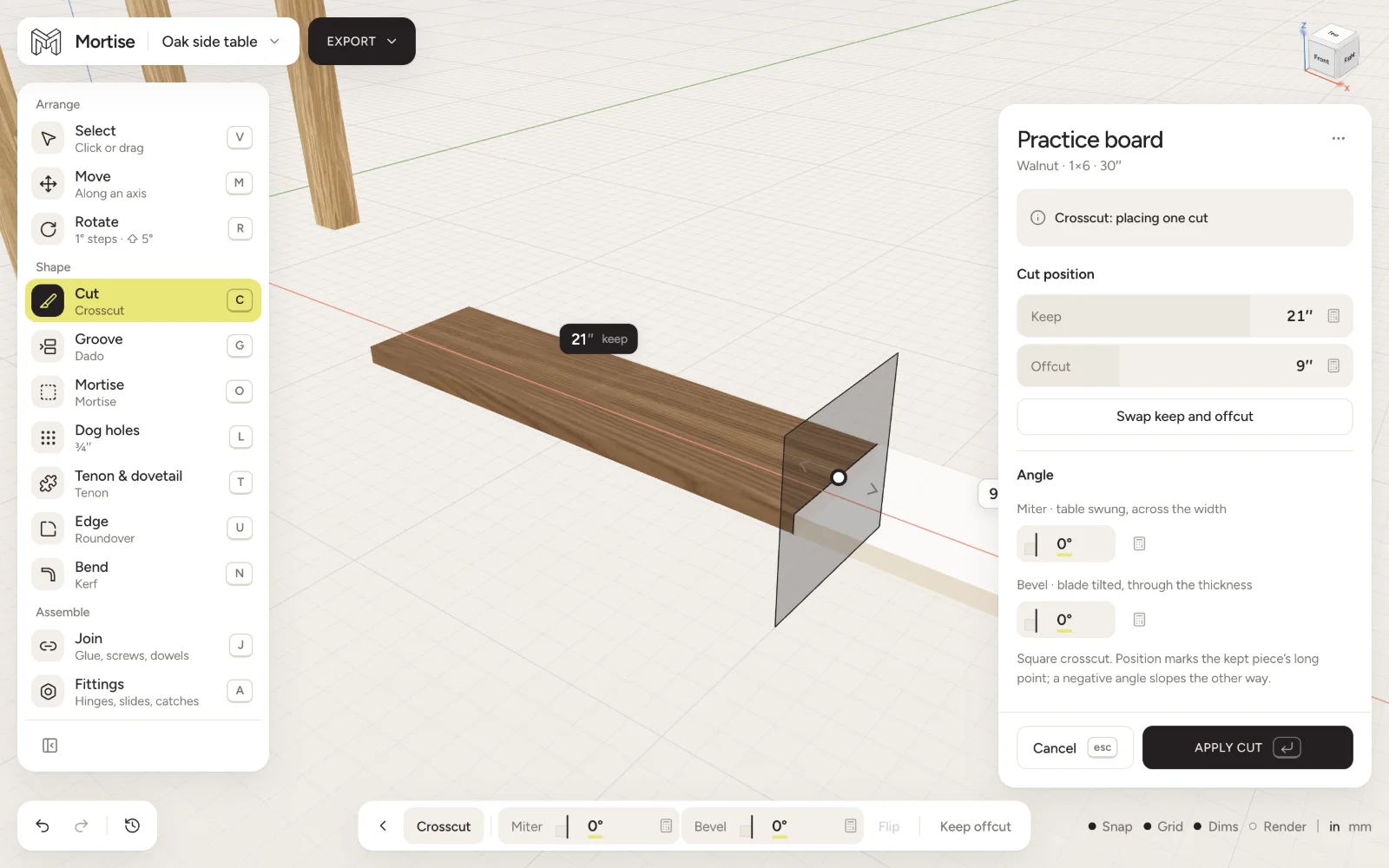
A saw cut leaves two pieces, which Mortise calls Keep and Offcut. Their lengths are shown on the wood and in the inspector and add up to the board. Swap keep and offcut trades them without moving the cut.
Turn on Keep offcut, the last chip on the bar, to keep the offcut as a board of its own, named after the board it came from. It stays on for later cuts.
Crosscut
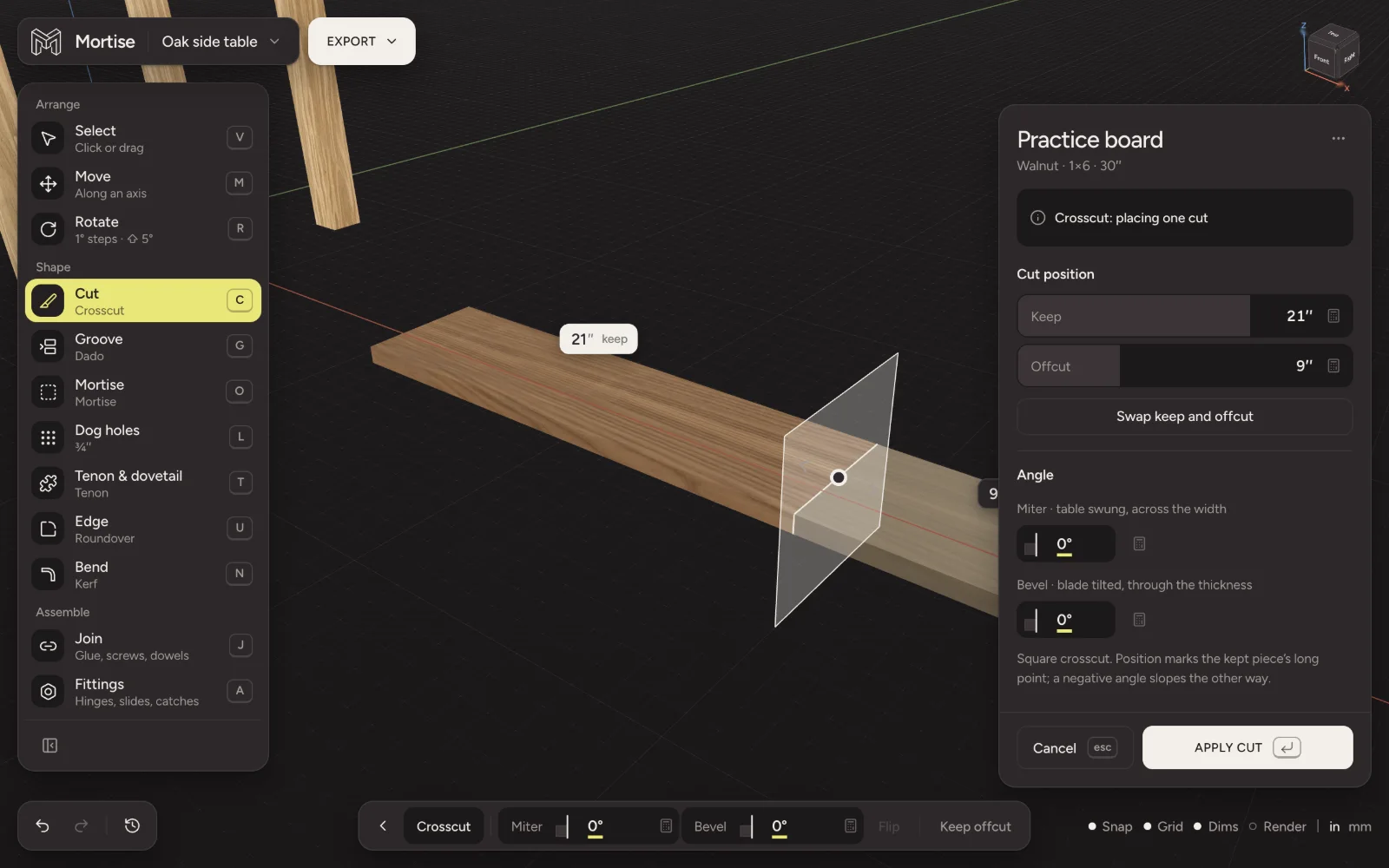
Press Z. A cut across the board, square or at an angle. Click where to cut, then type the length to Keep or the Offcut, or drag the cut line along the board.
- Miter
- The table swung, across the width, up to 60° either way. The dial catches at 15, 22.5, 31.6, 45, 50 and 60°.
- Bevel
- The blade tilted, through the thickness, up to 48° either way, catching at 22.5, 33.9 and 45°.
- Flip
- Reverses the angles.
Set both dials for a compound cut. The position marks the kept piece’s long point, and a negative angle slopes the other way. On a bent board, a crosscut can be placed by the height or length to the outside of the bend.
Rip
Press W. A cut along the grain to make a board narrower. Click the face the strip comes off, then set the width to Keep. Off which side picks the edge; any of the four long faces works, so the same tool rips to width or to thickness.
Blade tilt leans the blade up to 48° for an edge mitre, catching at 22.5° and 45°. Keep is measured at the long point.
Taper
Press Y, or switch the rip from Parallel to Taper, and the cut runs between two points, A and B, so the board narrows toward one end. Set the Taper angle on the dial, drag A and B on the wood, or type where each point sits on its edge. Corner to corner cuts a triangle. Offsets mark the finished edge.
Resaw and plane
Press E to bring a board down in thickness. Click its top or bottom face and set the thickness to keep. Mortise picks the machine by how much comes off: more than ⅛ inch (3 mm) is a bandsaw resaw and leaves an offcut; less is a thickness planer pass and leaves shavings.
Changing a cut later
Select the board and open its cut in the inspector’s Operations section, or find it in History H. Change its numbers and the board is cut again, with every later cut on it redone. Remove this operation takes it off. A cut can only grow a board back to the stock it came from: cuts never add wood.
Questions
- How do I cut a board to length in Mortise?
- Press Z, click the board, type the length you want in Keep and press Enter.
- How do I cut a 45 degree miter?
- In a crosscut, swing the Miter dial to 45 (it catches there) or type 45 on the keyboard, and apply. For a bevelled end set Bevel instead; set both for a compound cut.
- How do I make an edge mitre for a mitred box or a waterfall corner?
- Rip with Blade tilt at 45°. For the ends of the board, use a crosscut with a 45° Bevel.
- Does Mortise account for the saw kerf?
- Cuts in the model are exact. The kerf (⅛ inch or 3 mm per cut) and a little end trim are allowed for when Mortise packs your parts into stock for the shopping list and cut sheet.