Joining boards: glue, screws, dowels and more
A join fastens two boards that meet face to face. Pick the fastener and Mortise sizes it to a standard for the wood, lays it out, drills it into both boards as real hardware, and counts it in the shopping list. Joined boards then move as one.
Updated
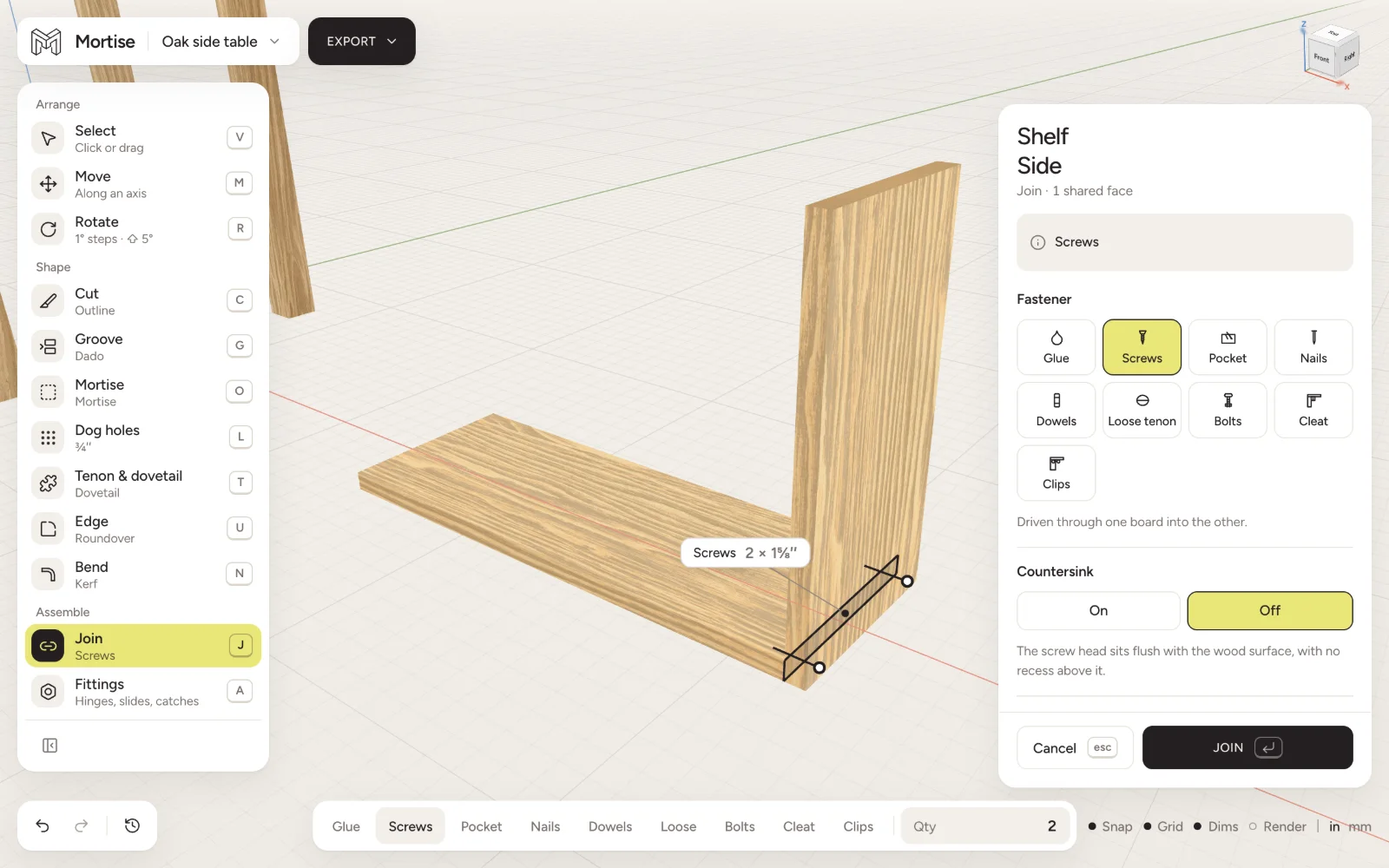
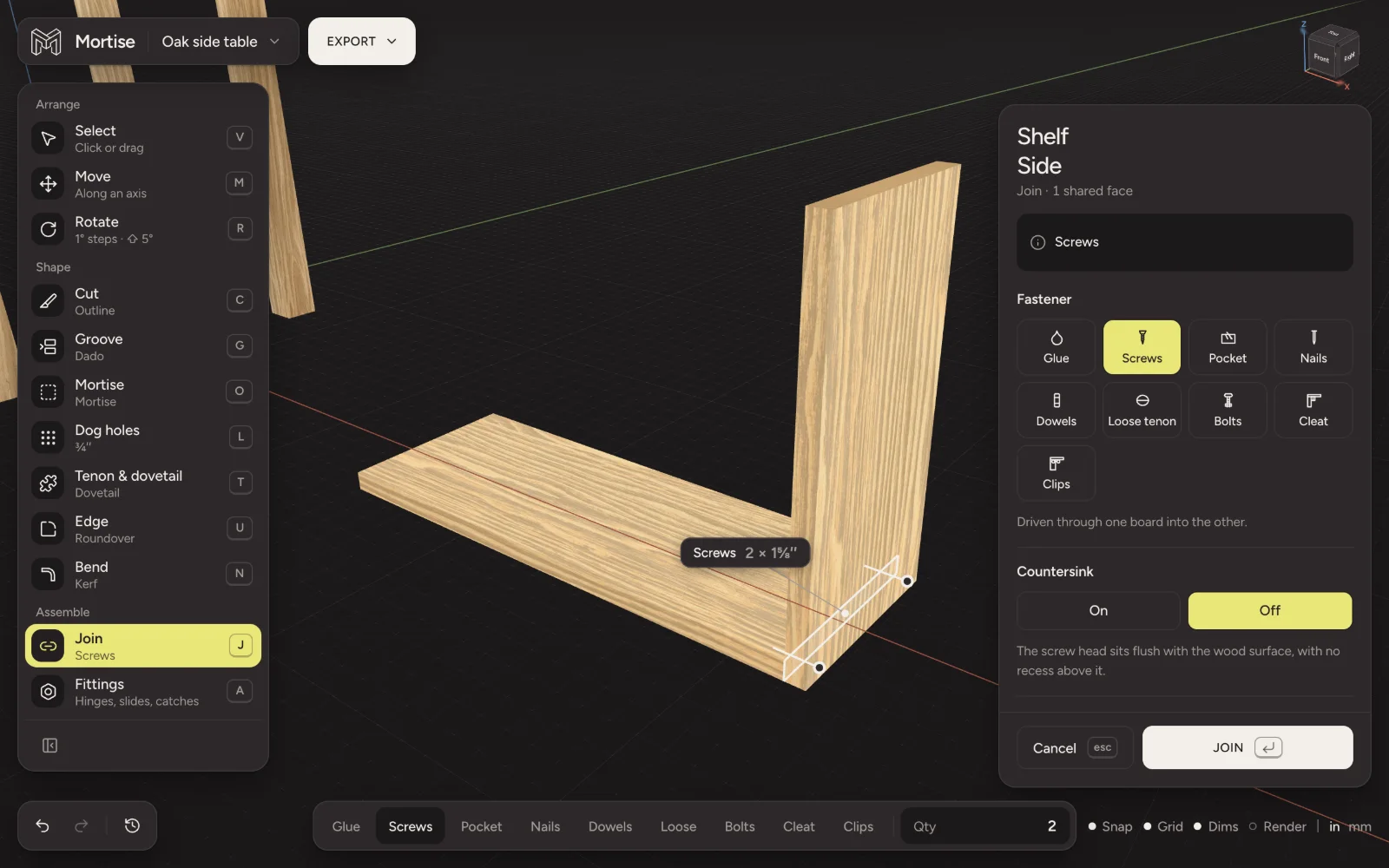
Make a join
- Put the two boards where they meet. A join sits on a face the two boards share, so they must touch.
- Click one board, then ⇧-click the other.
- Press J, or press Join in the tool column. The fastener you used last is laid out on the shared face straight away.
- Pick a different fastener in the inspector if you want one, change the count, size or spacing, and press Join.
With a single board selected, the Join menu lists every join on it under On this board, each with Change this join and Take this join apart.
The fasteners
Mortise suggests how many by the length of the joint: about one screw or nail every 8 inches, a dowel or loose tenon every 7, a bolt every 14. A wide face gets two or more rows. Change any of it; Back to the standard size puts it back.
The join panel
While a join is being made or changed, the inspector shows its settings:
- Fastener
- The nine fasteners as cards, each with a line saying what it is.
- On which face
- When the boards share more than one face, such as a board housed in a dado, pick the one the fastener goes through. You can also press near it in the view.
- Size
- The sizes the fastener comes in. The automatic pick is marked as the standard size for this wood.
- Driven from
- Which board the screws, nails or bolts go in from. For pocket screws, which board holds the pockets; for cleats and clips, which board carries them.
- Tilt
- Screws and nails can lean toward a face, up to 60°. Past the corner of the board the head comes out of the side: a toe screw.
- Hardware
- How many, Rows, Length and Inset from the ends.
Individual screws can be dragged anywhere on the face; Space screws evenly lines them up again.
Joinery is two cuts and a join
A mortise and tenon, a dado, a dovetail or a box joint is cut on each board on its own, with the tools in Cut and shape. Put the boards together so the joint fits, then join them with Glue. Glue covers every face inside the joint: the cheeks, edges and end of a tenon, the floor and walls of a dado.
Glued faces are drawn hatched. With a joint selected, the hidden parts of its hardware show as hairlines.
Joints fitted by hand
Faces up to half a degree off flush, opening no more than half a millimetre across, are still accepted, as a glue line or a plane would close them in the shop. The join says how far off the faces are, and the cut sheet tells you to plane the end to fit.
To make it exact instead, press Cut it exact in the Hand fit section. Mortise re-cuts that board’s end so it lies flat on the other board, then carries on with the join.
Glue-ups move and cut as one
- Boards that are joined move together. Dragging one carries everything joined to it, and boards held by hinges, slides or bolts.
- A cut spreads from board to board across the joint faces it runs through. A crosscut across a glued-up panel goes through every strip; the same cut on a table leg stops at the leg.
- A saw stops at steel. Screws, nails and bolts in the way refuse the cut; dowels and loose tenons are cut like wood.
- Two glue-ups can be joined to each other: select both and press J. Faces lying side by side count as one face, and the fasteners are spaced across all of it.
When a fastener is wrong
Mortise draws mistakes the way they would happen: a point coming out of the far face, a screw too short to hold. Chips on the board say Fastener too short, Shallow purchase, Fastener pokes through or Pocket does not fit, and the inspector shows the same warning beside the join.
Questions
- Why can’t I join two boards in Mortise?
- A join needs a face the two boards share. Move one board until it sits against the other. If an end is slightly off square, the menu says which mitre or bevel would make it sit flat.
- How does Mortise choose screw length?
- Through the board being held and about one and a half times that thickness into the other, stopping short of the far face, rounded to a length that is sold.
- Does Mortise count the screws for the shopping list?
- Yes. Every fastener and every fitting is counted by size in the cut list’s Hardware section, with glue, nuts and washers where they are needed.
- Can I use Domino or biscuit joinery?
- Yes. Loose tenon takes #0, #10 and #20 biscuits and Dominos from 5 × 30 to 10 × 50 mm.