Outline and template cuts
Two cuts make shapes a straight saw cannot: the Outline pen draws a curve on the face of a board and cuts it out, as a band saw or jigsaw would; the Template cut shapes one board to another laid on it, as a flush trim bit does.
Updated
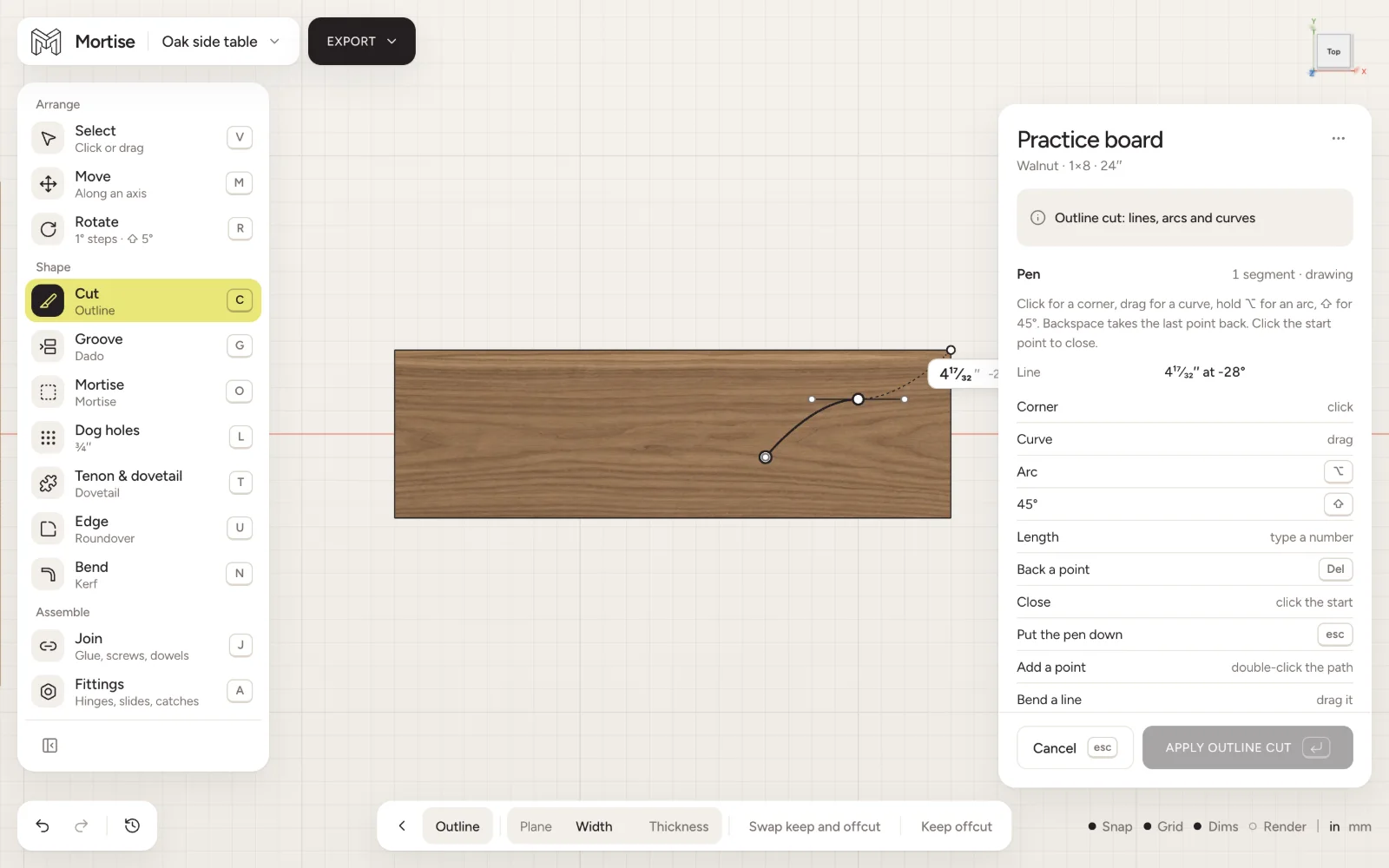
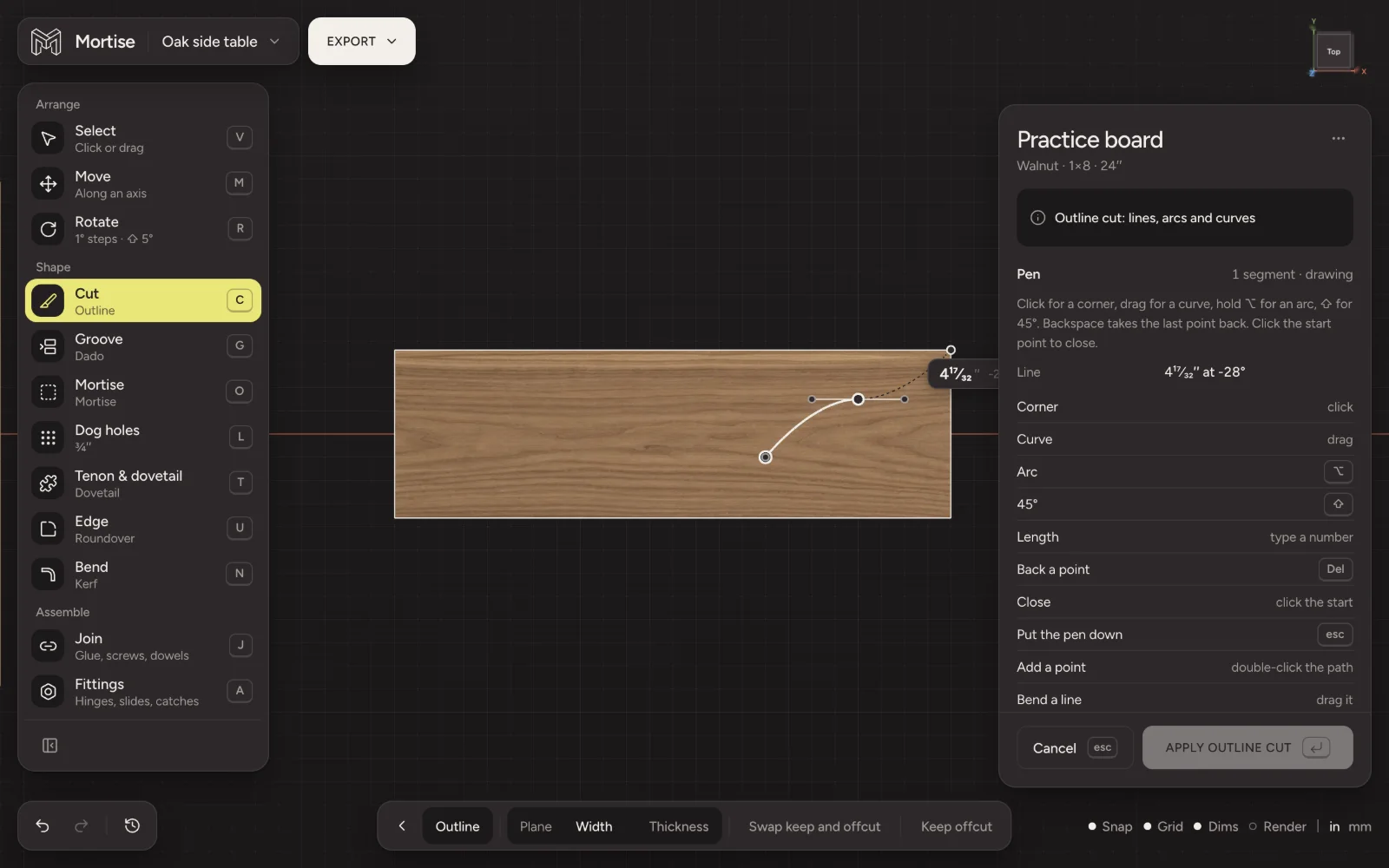
Outline cut
- Press C and pick Outline on the bar.
- Click the face to draw on. The view turns square to it.
- Click for corners and drag for curves. Type a number to set the length of the next line.
- Click the first point to close the shape, or press esc to put the pen down and leave the line open.
- Click the wood on the side you want to keep, then press Enter.
A closed shape keeps the Inside (cut a part out) or the Outside (cut a hole). An open line runs edge to edge and splits the board; Swap keep and offcut picks the side. Plane says whether the shape is drawn on the face (through the width) or on the edge (through the thickness).
Pen keys
- Corner
- click
- Curve
- drag
- Arc
- hold ⌥
- Lock to 45°
- hold ⇧
- Length of the next line
- type a number
- Take back a point
- Del
- Close the shape
- click the start
- Put the pen down
- esc
- Add a point
- double-click the path
- Bend a line
- drag it
- Corner ↔ smooth
- double-click or ⌥-click a point
- Pull handles out
- ⌥-drag a point
An applied outline can be opened again with Edit outline; Update outline cut applies the change.
Template cut
- Lay the template board on the board to be cut, where the shape should go.
- Select both boards, or select one and click the other. The bigger board is the one cut; the smaller is the template, drawn as a grey ghost.
- Press C and pick Template on the bar.
- Choose Cut out to cut a hole the template’s shape, or Cut to shape to trim the board to it, and press Enter.
⇧-click another board to add it as a second template, or take one off. The template is not changed by the cut. It has to be a board of its own: a board joined to others cannot be a template.
Questions
- How do I cut a curve in Mortise?
- Use the Outline cut: press C, pick Outline, click the face, and drag to draw curved lines or hold ⌥ for an arc.
- Can I cut a round hole or a cutout in a panel?
- Yes. Draw a closed outline inside the board and keep the Outside. For drilled holes use the Hole tool.
- How do I make several identical curved parts?
- Cut the first with the outline pen, then lay it on the next blank and use the Template cut with Cut to shape. Or duplicate the finished part with ⌘D.