Projects, saving and history
Every project lives in your Mortise account and is saved about a second after each change. There is no save button and no file to keep track of.
Updated
The projects page
Projects lists everything you have drawn as cards, each with a picture of the model, its name, when you last edited it and how many boards it has. The list is live: a project saved in another tab moves to the top.
- New project opens an empty project called “Untitled”.
- Find a project searches by name.
- Order the cards by Last edited, Name or Created. The choice is remembered in this browser.
- The … menu on a card has Open, Rename, Duplicate and Delete. A duplicate is called “name copy” and keeps the picture.
The project menu
In the editor, the top left corner shows the project’s name. Click it to rename the project in place. The chevron beside it opens the project menu:
- Rename, New project and All projects. Opening another project keeps the one you leave, saved.
- Recent: the four projects you opened last.
- Delete this project, after a confirmation.
- Appearance: Light, Dark or System.
- Mouse: Auto, Trackpad or Wheel. See Moving around.
- Keyboard and mouse help, and Sign out.
Click the Mortise mark to go back to your projects.
Saving
The mark at the end of the bottom left bar says how the project stands:
- Saved
- The project in your account is the one on screen.
- Saving
- A change is on its way.
- Not saved
- The last change did not reach your account, usually because the connection dropped. Mortise tries again every few seconds; keep the tab open until it says Saved.
If you close the tab while a change is unsaved, the browser asks before it leaves. The picture on the project’s card is taken a few seconds after you stop editing.
Open in two places
If the same project was saved from another tab or computer after you opened it, Mortise stops and asks which to keep: Open the newer one lets your recent edits go, Keep mine saves yours over the other.
Undo, redo and history
- Undo
- ⌘Z
- Redo
- ⇧⌘Z
- History
- H
The History panel lists every edit since you opened the project, the newest at the bottom: boards added, cuts, joins and moves, each with a line saying what it did. Point at a step to light its board. Click a step to take the project back to how it was then, and click a later step to bring it forward again. Mortise remembers the last 200 steps.
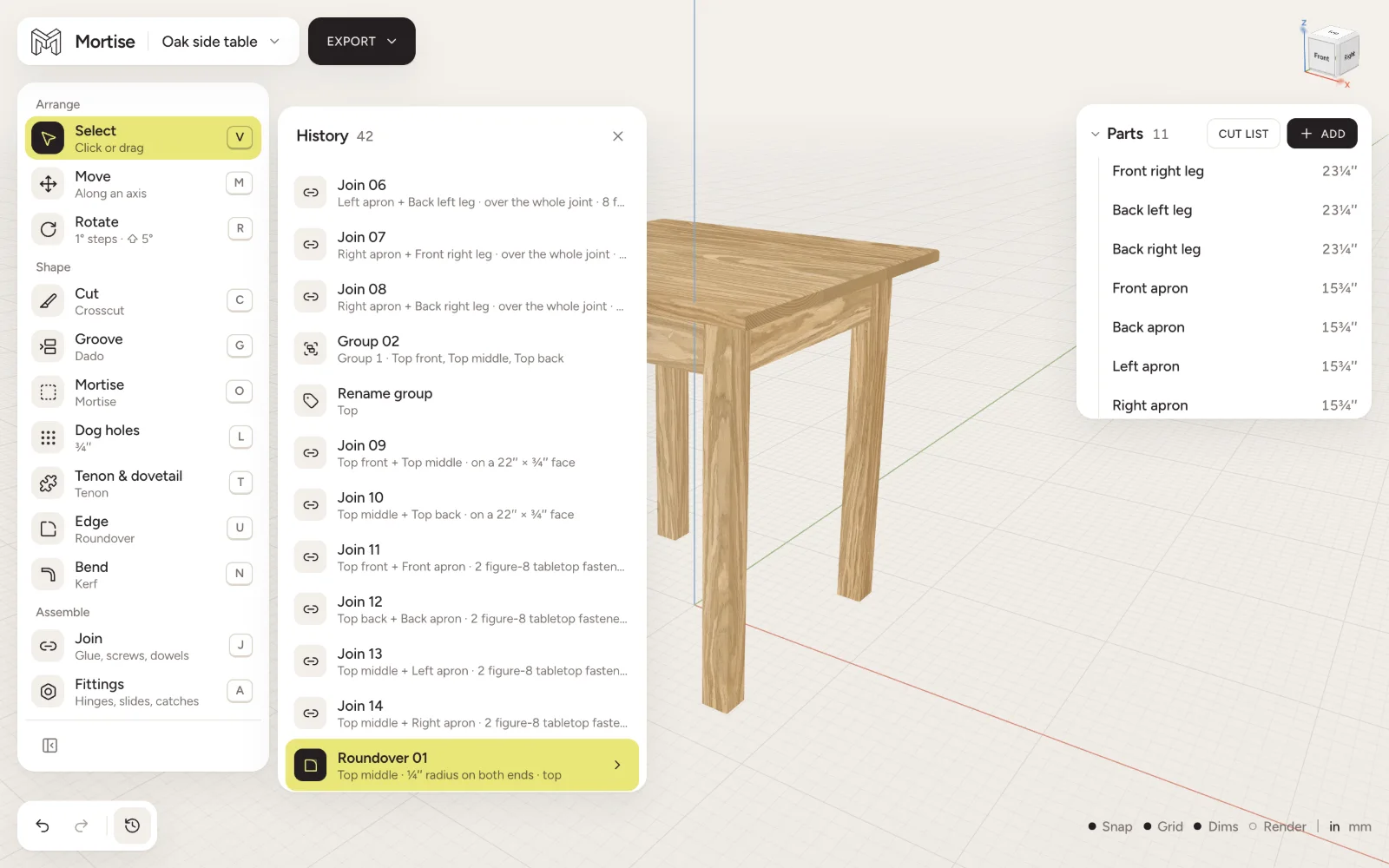
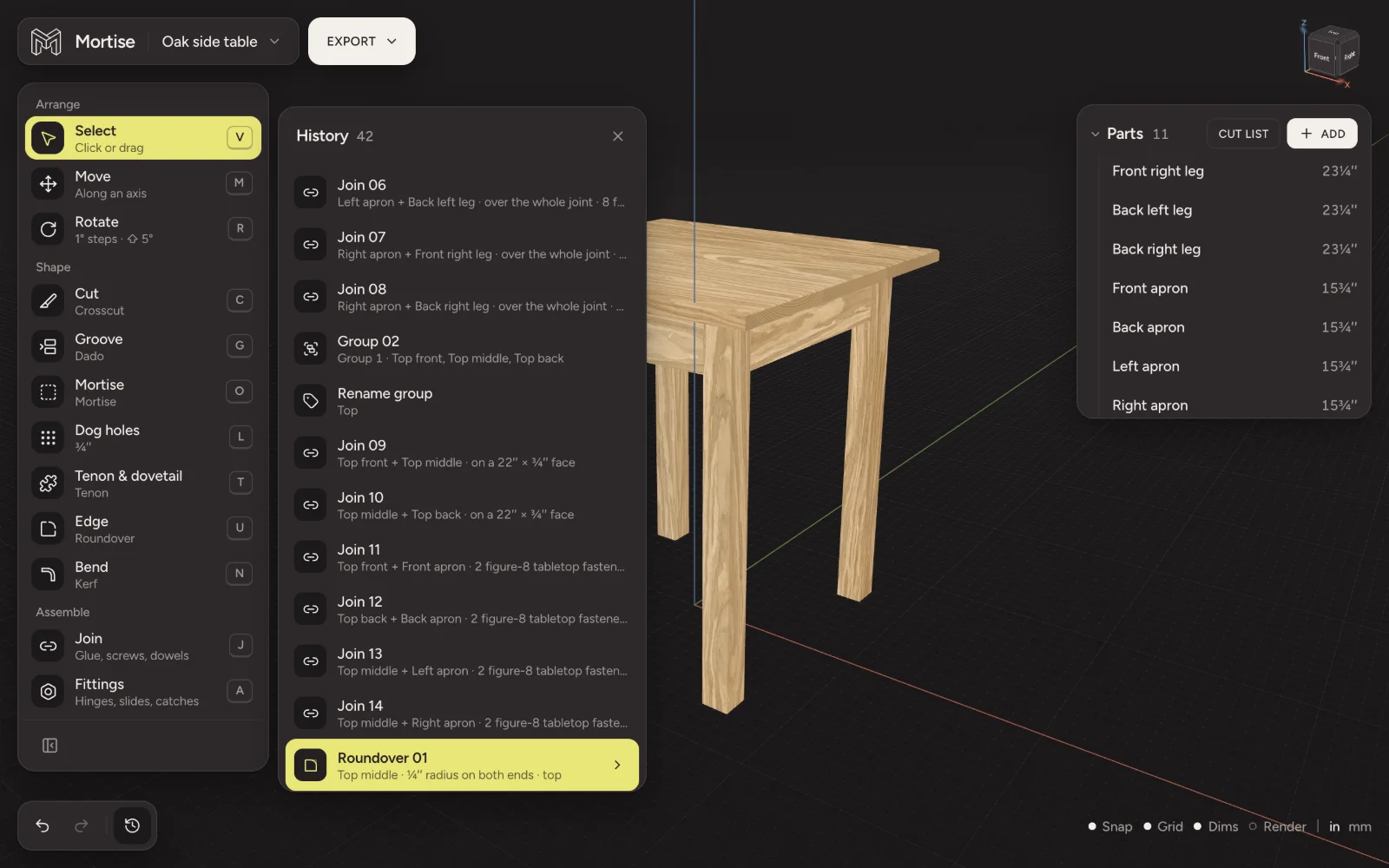
A cut in the history can be changed where it stands. Press its chevron (Change its numbers), edit the values, and the board is cut again with every later cut redone on top. Remove takes the cut off. Both are new steps, so they can be undone too.
Questions
- Do I need to save my work in Mortise?
- No. Each change is saved to your account about a second after you make it.
- Can I get a deleted project back?
- No. Deleting a project removes it for good. Duplicate a project first if you want a copy to fall back on.
- Can I undo after closing the project?
- The history covers the time since the project was opened. The project itself is kept as you left it.
- Is there a limit to how big a project can be?
- A very large project, around 900 KB of data, is refused with a note to split it into two projects. That is far more than a kitchen of cabinets.