Roundovers and chamfers
The Edge family U rounds over or chamfers the edges of a board, the way a bearing-guided router bit follows an edge: straight edges, curved edges cut with the outline pen, the rims of joints, and edges that already have a profile.
Updated
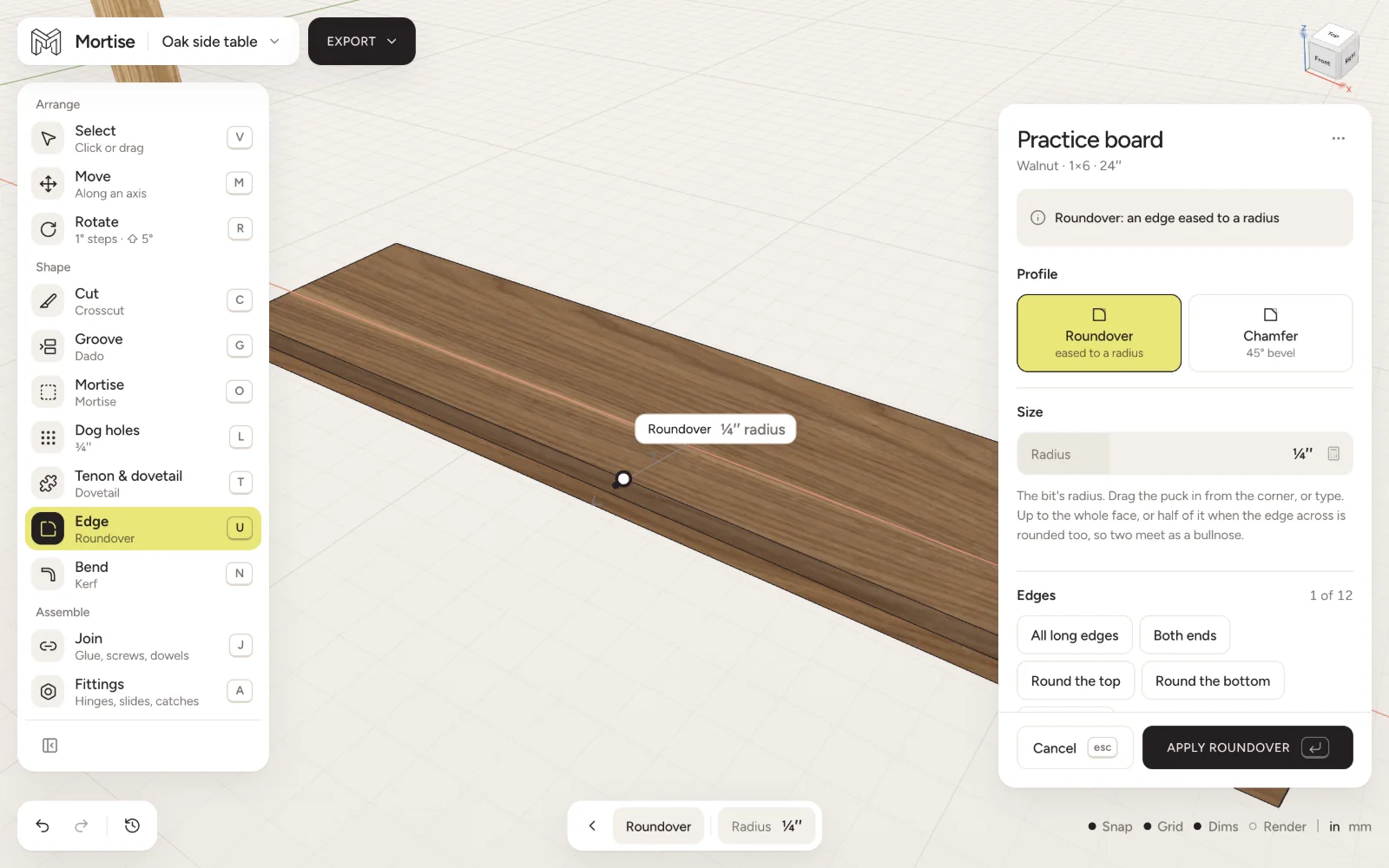
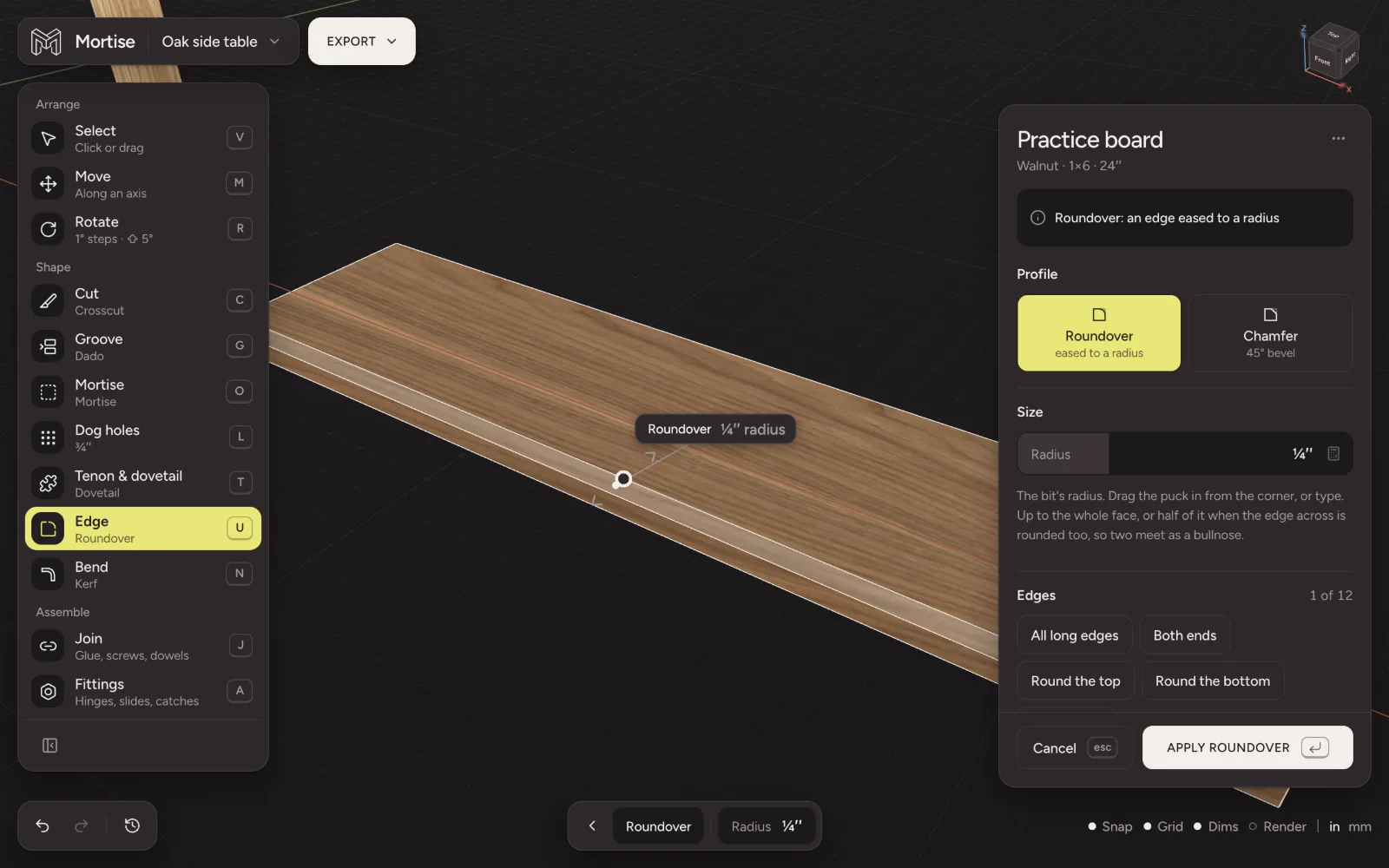
Profile an edge
- Press U; press it again to switch between Roundover and Chamfer.
- Move over the board. The nearest edge of the face under the pointer lights up.
- Click it. Click more edges to add them, or click one again to take it off.
- Set the Radius or Size on the bar, or drag the puck on the wood, and press Enter.
Double-click an edge to run round the whole face it is on. The inspector’s Edges section has sets: All long edges, Both ends, Round the top, Round the bottom and Every edge, and chips for the edges along the length, the joints and each end.
How big a profile can be
A profile starts at ¼ inch (6 mm). It can take the whole face, or half of it where the edge across is profiled too, which makes a bullnose.
Curved edges, joints and profiles on profiles
- A curve cut with the outline pen is one edge: the roundover follows it all the way round.
- The rims of mortises and holes, the ends and arrises of tenons are edges too, so a through tenon can be chamfered.
- Click an edge that already has a profile and the new profile replaces it. The edges a roundover or chamfer leaves are real edges, and take a profile of their own.
- On a glue-up, one pass runs round the glued piece. Edges inside a glue joint cannot be reached by a bit and are refused.
Questions
- How do I round over the edges of a tabletop?
- Press U, double-click a top edge to run round the whole face, set the radius and press Enter.
- Can I round a curved edge?
- Yes. An outline-cut curve is picked as one edge and the profile follows it.